
Les meilleures réductions de la semaine
Chaque semaine, vous pouvez trouver ici les meilleures réductions.
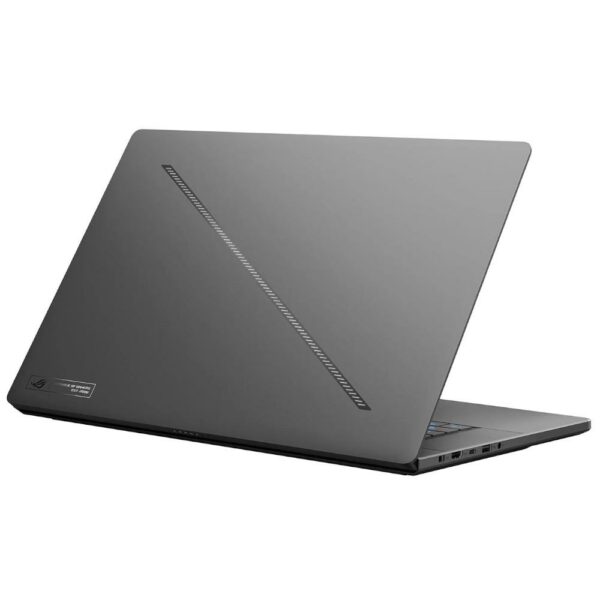
Acer Nitro V 15 ANV15-52-50K6
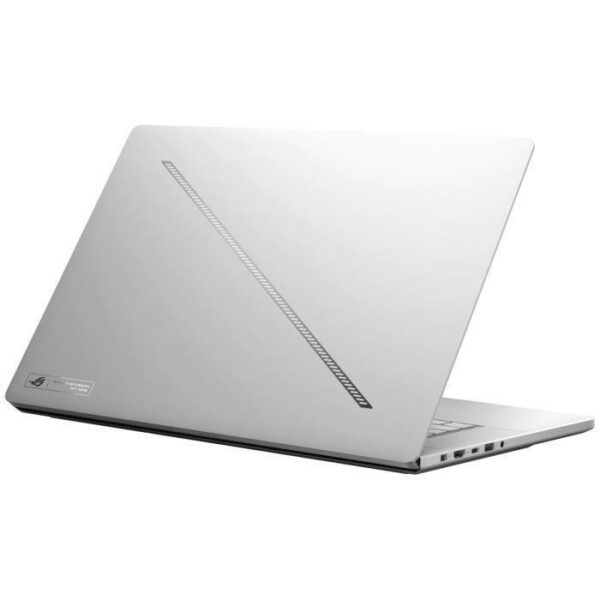
ASUS ROG Zephyrus G16 OLED

MSI Katana 17 HX

Lenovo LOQ 15IRX10

ASUS Gaming V16

Trezor in Practice: What U.S. Users Should Know Before Downloading Trezor Suite and Setting Up a Device
Imagine this common scene: you’ve bought a hardware wallet on a crowded marketplace, read a few quick setup posts, and now you’re staring at your laptop wondering which companion app to trust, which firmware to install, and whether the passphrase you’re about to invent is protecting you or creating an unrecoverable single point of failure. That gap between purchase and confident custody is where most user mistakes — and losses — happen. This article walks through the mechanisms that make Trezor secure, the realistic trade-offs you face in setup, and practical heuristics for an American user who wants to download the Trezor Suite desktop app and operate a Trezor One, Model T, or the newer Safe series devices.
My goal here isn’t cheerleading: it’s to correct misconceptions and give you a decision-useful map. After reading, you should have a clearer mental model of what Trezor does on-device, what the suite app adds, what risks survive even with a hardware wallet, and what simple steps reduce the chance of irreversible mistakes.
How Trezor’s security actually works (mechanism, not slogan)
At its core, Trezor protects assets by keeping private keys offline. The device generates the seed and stores private keys inside its hardware; those keys never leave the device. This is different from a software wallet that stores keys on a connected computer. Trezor’s open-source firmware and hardware design invite outside review, which matters: public scrutiny can find software bugs before they become hidden backdoors. Newer models use an EAL6+ certified Secure Element chip, which raises the bar against physical extraction attacks. But certification and open source protect against different threats: certification hardens the chip against tampering, while open code reduces the chance of undisclosed software vulnerabilities.
Two on-device controls are critical: a PIN (up to 50 digits) and an optional passphrase. PIN protects against casual physical theft: an attacker can’t see anything without entering the PIN. The passphrase creates a « hidden wallet » layered on top of the seed — a powerful defensive pattern because it makes the same seed unlock different wallets depending on the passphrase. But that power carries a severe trade-off: forget or lose the passphrase, and the corresponding hidden wallet is irrecoverable even if you have the recovery seed. That single fact destroys many users’ mental model that the seed alone is everything.
Trezor Suite desktop app — role, limits, and practical download advice
Trezor Suite is the official companion application for Trezor devices on Windows, macOS, and Linux. It’s where you confirm firmware updates, manage accounts for natively supported cryptocurrencies, route traffic through Tor for privacy, and review transactions alongside on-device confirmation. If you intend to use the desktop app, download the official installer: the safest path is the vendor channel or a trusted aggregator. For convenience and privacy, be aware the Suite can also be used as a web client, but the desktop app reduces web-attack surface for many users.
Practical note: software update delivery can be messy. This week a user reported a mismatch between Suite-reported firmware version and an announced firmware 2.9.0, with Suite showing 2.8.10 even though an urgent update email had been distributed. That situation illustrates two realities: vendors may stage rollouts, and email notices can arrive before every channel reflects the change. If you receive an urgent security email, avoid panic steps like installing third-party binaries; instead, check the version within Suite itself, confirm the update signature where provided, and consult official channels. If Suite says up-to-date but a security advisory is live, prefer conservative behavior: limit high-value transfers until the rollout clarifies.
Common misconceptions, and the corrections that matter
Misconception 1: « A hardware wallet makes me invulnerable. » Correction: A hardware wallet dramatically reduces online attack vectors, but it does not immunize you from social engineering, physical coercion, bad firmware delivery, or self-inflicted recovery mistakes. On-device transaction confirmation is a strong mitigation against host malware spoofing payees — you must read the address and amount on the device — but users who habitually skip verification or who record their passphrase insecurely reintroduce risk.
Misconception 2: « Open-source means no vulnerabilities. » Correction: openness increases the chances bugs are found, but it doesn’t guarantee immediate fixes. Discovery and patching are still needed; meanwhile, staging and communication of updates matter. That recent user report about the firmware rollout shows how update dynamics can be a practical weak point even when code is public.
Misconception 3: « All hardware wallets are functionally equivalent. » Correction: design choices create trade-offs. Ledger, for instance, frequently uses closed-source secure elements and offers Bluetooth for mobile convenience — trade-offs which prioritize a different set of user needs. Trezor intentionally omits wireless connectivity to reduce attack vectors and emphasizes transparency and composability with third-party wallets like MetaMask or MyEtherWallet for DeFi and NFTs. Decide which trade-offs fit your use case: mobility and app convenience versus maximal auditability and fewer external attack surfaces.
Setup heuristics and a simple decision framework
Here are practical steps and a mental model to get setup right:
– Unbox and verify: buy from an authorized seller; inspect the package for tampering; initialize the device in private; never accept a pre-initialized device.
– Choose seed length and backup method deliberately: 12 or 24 words are standard BIP-39 options; advanced users who want to distribute risk may use Shamir Backup on compatible models, which splits the seed into shares you can store separately.
– Treat passphrases as advanced: use them only if you understand the irreversible recovery risk. If you add a passphrase, treat its backup with at least the same rigor as the seed — but remember backups of the passphrase defeat the deniability benefit of a hidden wallet.
– Use the Suite for firmware updates, but verify signatures or follow vendor guidance if a security advisory is issued. If Suite’s update channel lags an email advisory, pause large transfers until the rollout status is clear.
– Enable Tor in Suite if you value IP privacy; it is a tangible privacy improvement but does not anonymize on-chain transactions themselves.
Decision heuristic: rank your priorities (auditable security, mobility, multi-sig/DeFi access) and map them to features: choose Trezor for open-source transparency and offline key protection; choose Ledger if you need mobile Bluetooth and accept closed-source elements. For DeFi, plan to use third-party software wallets in combination with the device, not as a replacement for it.
Where the system still breaks or requires caution
Three boundary conditions to keep front of mind. First, the passphrase’s irrecoverability is a user-generated single point of failure — not a theoretical concern. Second, device updates and channel rollouts can create confusing windows where security notices and available updates are out of sync; reacting too quickly to unverified updates can be as risky as delaying critical patches. Third, the deprecation of certain coins from Suite means holders of Bitcoin Gold, Dash, Vertcoin, and Digibyte must plan to use third-party wallets to access those assets; that introduces additional integration and attack-surface considerations.
In short: hardware prevents many attacks but cannot individually correct for poor operational choices, fragmented communication during updates, or the user’s own memory of secret passphrases.
What to watch next (conditional signals)
Watch two signals if you rely on a Trezor device in the U.S. or globally. One: firmware and Suite update cadence and clarity. A pattern of staggered rollouts or confusing advisories increases the chance of users missing critical patches or installing unsafe binaries. Two: the ecosystem around third-party wallet integrations — improvements in UX or security for MetaMask/Rabby and others will change how comfortably users can interact with DeFi without transferring custody. Both are conditional: if vendor communication improves, operational risk drops; if integration complexity grows, so do user errors.
FAQ
Do I need Trezor Suite to use my Trezor device?
No, the device works at a protocol level without Suite, but Trezor Suite is the official companion for firmware updates, user-friendly account management, native coin support, and privacy tools like Tor. For DeFi and certain deprecated coins you will need third-party wallets. If you plan to use the desktop app, download and install the official installer to minimize risk.
Is the passphrase always a good idea?
Not always. A passphrase creates an additional security layer (hidden wallets) but is irreversible if forgotten. Treat it as an advanced feature: use it only if you can securely manage and remember the secret without writing it down in an insecure way. For many users, a strong PIN and good physical security are lower-risk first steps.
How does Trezor compare to Ledger for mobile use?
Ledger often supports Bluetooth and uses secure elements that are not fully open-source; Trezor avoids wireless features and favors transparency. If mobile convenience via Bluetooth is essential, Ledger may suit you better; if you prefer open-source auditability and a smaller external attack surface, Trezor is likely preferable.
What should I do if Suite and a security email disagree about firmware?
Pause large transfers, verify the advisory from official channels, and check Suite’s release notes and signature verification if available. Avoid installing third-party firmware; prefer staged, verified updates from the vendor. In ambiguous cases, delay high-value operations until the vendor clarifies the rollout.
For an official download, guidance about supported coin lists, and the Suite desktop application, the vendor-hosted resources are the right starting point; you can begin here: trezor suite.